Card data for testing
Test card data lets you run test payments and make sure the integration works correctly.
How to use it:
- Decide which test payment result you want to receive.
- Select the required card data below based on the expected result.
- Enter the test card data on the WhiteBoot payment page, on your website, or in your mobile app.
To generate the WhiteBoot payment page, use the payment creation feature in the merchant portal or send a hosted API request.
info
To create a test payment, use the test project and its authentication credentials.
Successful payment with card data (not tied to a specific country)
| Card brand | Card number | Expiration date | CVV/CVC | Details |
|---|---|---|---|---|
| Visa | 4242 4242 4242 4242 | Any future date | Any three digits | Successful payment with 3D Secure |
| Mastercard | 5454 5454 5454 5454 | Any future date | Any three digits | Successful payment with 3D Secure |
| Visa | 4111 1111 1111 1111 | Any future date | Any three digits | Successful payment without 3D Secure |
| Mastercard | 5555 5555 5555 4444 | Any future date | Any three digits | Successful payment without 3D Secure |
| Discover | 6011 1111 1111 1117 | Any future date | Any three digits | Successful payment after entering OTP 1234 |
| Visa | 4000 0000 0000 0002 | Any future date | Any three digits | Successful payment after a delay |
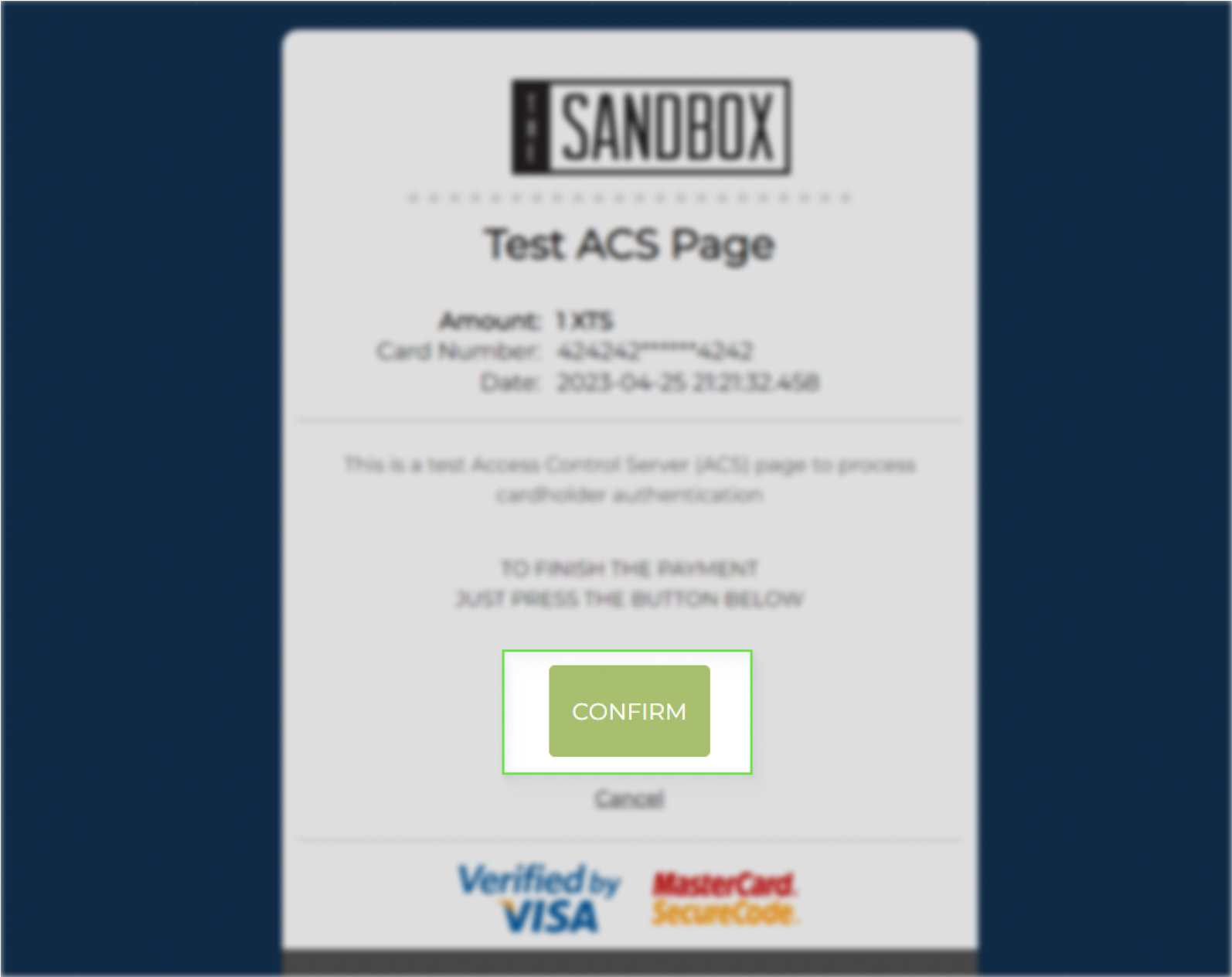
If the test payment requires 3D Secure verification, confirm the payment by clicking "Confirm" in the window shown below.
Failed payment with card data (for receiving different payment errors)
| Card brand | Card number | Expiration date | CVV/CVC | Details |
|---|---|---|---|---|
| Visa | 4200 0000 0000 0000 | Any future date | Any three digits | Payment decline with 3D Secure |
| Mastercard | 5105 1051 0510 5100 | Any future date | Any three digits | Payment decline with 3D Secure |
| Visa | 4444 3333 2222 1111 | Any future date | Any three digits | Payment decline without 3D Secure |
| Mastercard | 5100 0000 2000 2000 | Any future date | Any three digits | Payment decline without 3D Secure |
| Visa | 4000 0000 0000 0044 | Any future date | Any three digits | Payment decline because of insufficient funds |
Information about payment errors can be found in the section about status codes for failed transactions.